

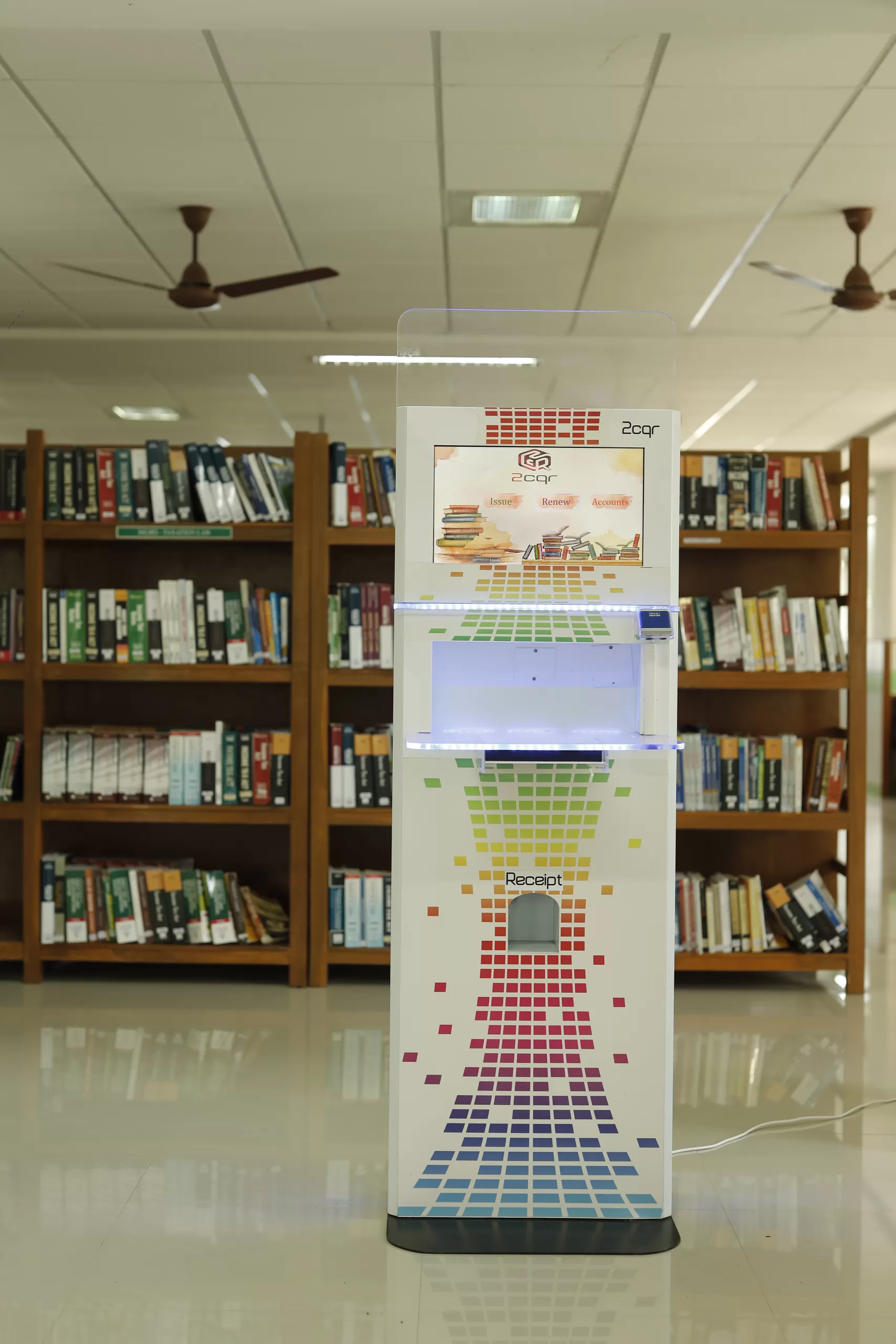
Technology is changing the way we interact with services in our daily life. Whether we are ordering food, paying a bill, checking product details, or borrowing a library book, we prefer quick, simple, and independent interactions. And kiosks are becoming a major part of this change.
So, what exactly is a kiosk?
A kiosk is a self contained digital system installed in public or private spaces that allows people to access a specific service or information without depending on staff. Kiosks are built to make services faster, more convenient, and more accessible.
In airports, hospitals, shopping malls, restaurants, libraries, retail stores, and government offices kiosks are everywhere today. Let’s explore the most commonly used types of kiosks and how they are helping users.
Retailers use these kiosks to give customers more independence and flexibility while shopping. Instead of waiting for a salesperson, shoppers can get the details they need instantly. These kiosks can also help customers complete purchases faster and it improves the overall shopping experience in modern retail environments.
Supermarkets
Self checkout for quicker billing, check prices or offers, product availability and location check can also be enbabled
Electronic stores
Compare features and specifications side by side, check stock of specific models, purchase extended warranty or accessories
Fashion & apparel shops
Virtual try on feature for outfits and accessories, checking sizes available, loyalty points update and reward redemption
Brand showrooms / pop up stores
Explore full product catalogues, learn about latest arrivals, register for service or promotions
These kiosks reduce billing queues, allow customers to discover products on their own, and make shopping smarter, more personalised, and enjoyable. Retailers also benefit through better customer engagement and more sales.
This type of kiosk is widely used in Quick Service Restaurants (QSR) like fast food chains. Self ordering kiosks help customers browse and customise their food order on their own. Once the order is placed, it is instantly sent to the Kitchen Display System (KDS), where the staff can view the order details and start preparing the food immediately. After preparation, the order number can displayed on the pickup screen so customers can collect it without confusion.
Where they are used ?
Fast food chains & food courts
Menu browsing, add ons selection, custom order, combo suggestions, digital payment
Cafes and dessert outlets
Pre order for dine in or takeaway, loyalty program usage
Cinema snack counters
Ordering popcorn, drinks, snacks without waiting at the counter
These kiosks reduce waiting time, and increase sales during peak hours while offering a smooth ordering experience.
Customers too enjoy the no wait, no confusion experience. They can place a relaxed order without any communication difficulty.
Informational kiosks are mainly designed to provide accurate details, directions, and guidance to people who need quick and accurate information. Instead of searching online or asking staff, users can quickly get the exact information they need on the screen. These kiosks reduce confusion, improve visitor experience, and make navigation easier in large public spaces.
Where they are used ?
Inns, lodges & hotels
Hotel specialities, local travel guidance, facility details, FAQs
Hospitals
Department directions, appointment status, doctor availability
Shopping malls
Store directory, promotional offers, navigation support
Government offices
Service details, document requirements, FAQs
Libraries
OPAC search for books, section directions, event updates
They provide instant and reliable information and help users move confidently without delays.
These kiosks provide 24/7 access to useful information in a clear and interactive way.
Ticketing and check in kiosks are used to simplify the travel process by allowing passengers to book, print, or verify tickets on their own. These kiosks reduce the need for manual counter handling and help travellers complete formalities quicker. They also ensure accurate data entry and faster movement during peak hours like weekends and holidays.
Where they are used ?
Railway / Metro stations
Ticket booking, recharging smart travel cards, journey details check
Airports
Flight check in, baggage tag printing, boarding pass printing, seat selection
Bus stations
Outstation ticket printing, reservation status check, ticket reissue support
These kiosks avoid long queues and ensure smoother flow of passengers from entry to boarding. They offer a more organised travel experience and help people save valuable time, especially during rush hours.
Banking and payment kiosks help people complete essential financial tasks quickly, safely, and without standing in long queues. These kiosks are designed with secure authentication so that users can manage their money independently, even when bank counters are busy or closed.
Where they are used ?
Banks
Cash and cheque deposit, passbook printing, statement printing, updating personal details
ATM lobbies
Utility bill payments (electricity, mobile recharge, water, gas), card PIN update, mini statement
Post offices & payment centres
Money transfer, savings account updates, insurance premium payment, checking account balance
These kiosks encourage digital banking habits and ensure that financial services are easily accessible for everyone even in semi urban and rural areas where full service bank branches may not be available.
Healthcare kiosks help hospitals and clinics with patient management by automating routine tasks. They allow patients to register themselves, access health information, and complete initial formalities without depending on the front desk staff. This leads to better organisation and reduces waiting time in busy medical environments.
Where they are used ?
Hospital registration counters
Printing OP tickets, booking appointments with doctors, updating patient details, verifying insurance
Diagnostics centres
Collecting lab reports, generating token numbers for test queues, scanning QR codes for status updates
Health monitoring stations
Specialized kiosks for Checking BP, temperature, weight, BMI and other vitals for quick health screening before consultation
These kiosks speed up medical workflows, reduce paperwork, and ensure proper patient movement from entry to consultation. They also help staff focus more on critical care instead of repetitive administrative tasks.
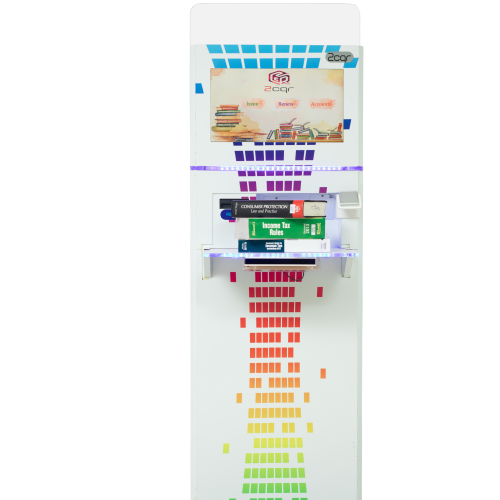
Library self service kiosks allow readers to borrow and return books independently using RFID or barcode technology. They reduce dependency on the circulation desk and help libraries provide faster service even during busy hours.
Self checkout & returns area
Issue and return of books, printing transaction slips, due date display
Account self service
View issued items, renew materials, check fines and pay instantly
After hours return support
Users can return books anytime, and the kiosk updates the record automatically
These kiosks reduce crowds at the counter, improve service speed, and allow staff to dedicate more time to user support, cataloging, and other key library operations.
Why Are Kiosks So Popular?
-
Faster service with no waiting
-
Reduced dependency on staff
-
Accurate data and transactions
-
User friendly touch interactions
-
Continuous service (even after working hours)
-
Increased productivity in organisations
Future of Kiosks in India :
More industries in India are adopting kiosks especially retail, healthcare, education, hospitality, and banking. With digital payments and automation growing rapidly, kiosks will become even more common. Integration with RFID, facial recognition, AI based language assistance, and voice navigation will further improve accessibility for all users.
Kiosks are not replacing human touch they are removing the unnecessary friction in everyday tasks. They give people more control, save time, and make services available to everyone.
Whether you are ordering food, paying a bill, or checking in for a journey, kiosks are quietly making life easier, one interaction at a time.